 Active Reach
SourcesDataIntelligenceActivation
Or run on ours. Every Active surface is a source by design.
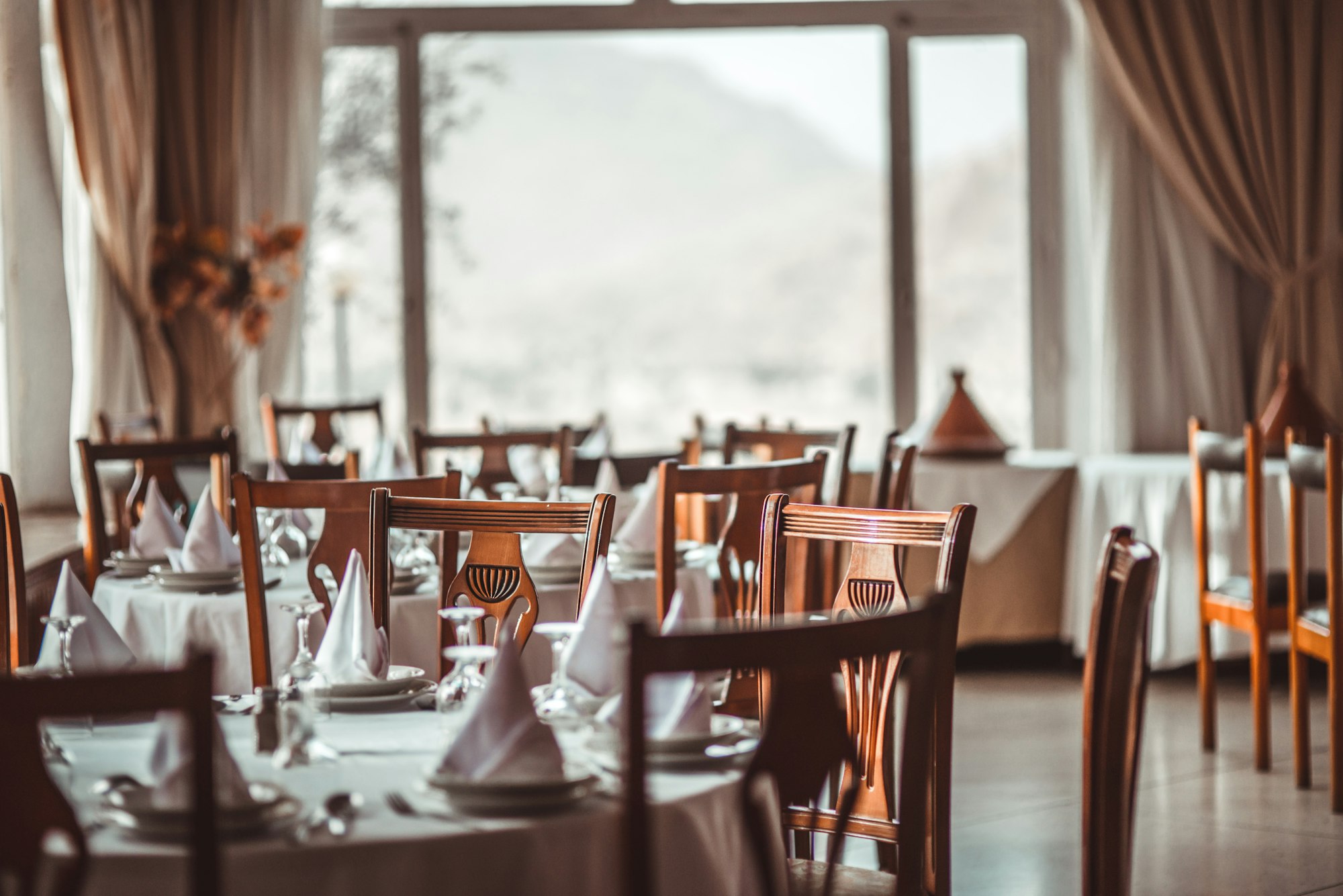
Dine-in guests order from the table
A QR code on the table opens the menu on the guest's phone. Orders, reservations and the waitlist all attach to the guest record.
From a table scan to a guest record
1 · The guest at table 12
2 · What her phone shows
3 · What the outlet and the record get
What the operator gets
Less waiting at the table
Table orderingGuests browse the menu and order from their own phone, with no app to install.
Running table tabA second round is added to the same table, so the staff do not have to carry slips.
Reservations and waitlistGuests book a table or join the queue, and the team sees who is arriving, in the team app too.How it works
From table to guest record
- 01Guest scansThe table is known from the code, so the outlet and table number come with the order.
- 02Guest ordersItems go to the kitchen display and the counter.
- 03Guest identifiesA phone number is asked for at the table, so the visit can be tied to the guest.
- 04Record updatesThe order, the time and the consent appear on the guest record.
What the guest record gains
Dine-in finally has a name on it
Dine-in is the hardest visit to attribute to a guest. A table code asks once and links every later visit.
- Dine-in historyTable visits sit beside delivery and takeaway on the same record.
- Party and timingVisit time and outlet help work out each guest's usual gap.
- Consent at the tableThe opt-in is captured at the point of order, so a thank-you and a review request can follow.
Guest recordsample data
RS
Riya S.Bandra West outlet
Phone number98201 ••820
Last dine-inTable 12 · 12 Oct
Usual gapevery 6 days
Message opt-inYes
Ask for a review after the visit
Questions
Common questions
Do guests need an app?
No. The code opens a web page on the guest's phone.
Can the same code serve more than one outlet?
Each table code belongs to one outlet, so orders reach the right kitchen.
What happens after the visit?
The guest can receive a digital bill and a request to rate the visit, when they have opted in.
See your own guests in it
A 30-minute walkthrough on your POS, your channels and your outlets.